How to Compress PDF Documents Without Compromising Visual Clarity
Editorial Team, FreeLovePDF
Author
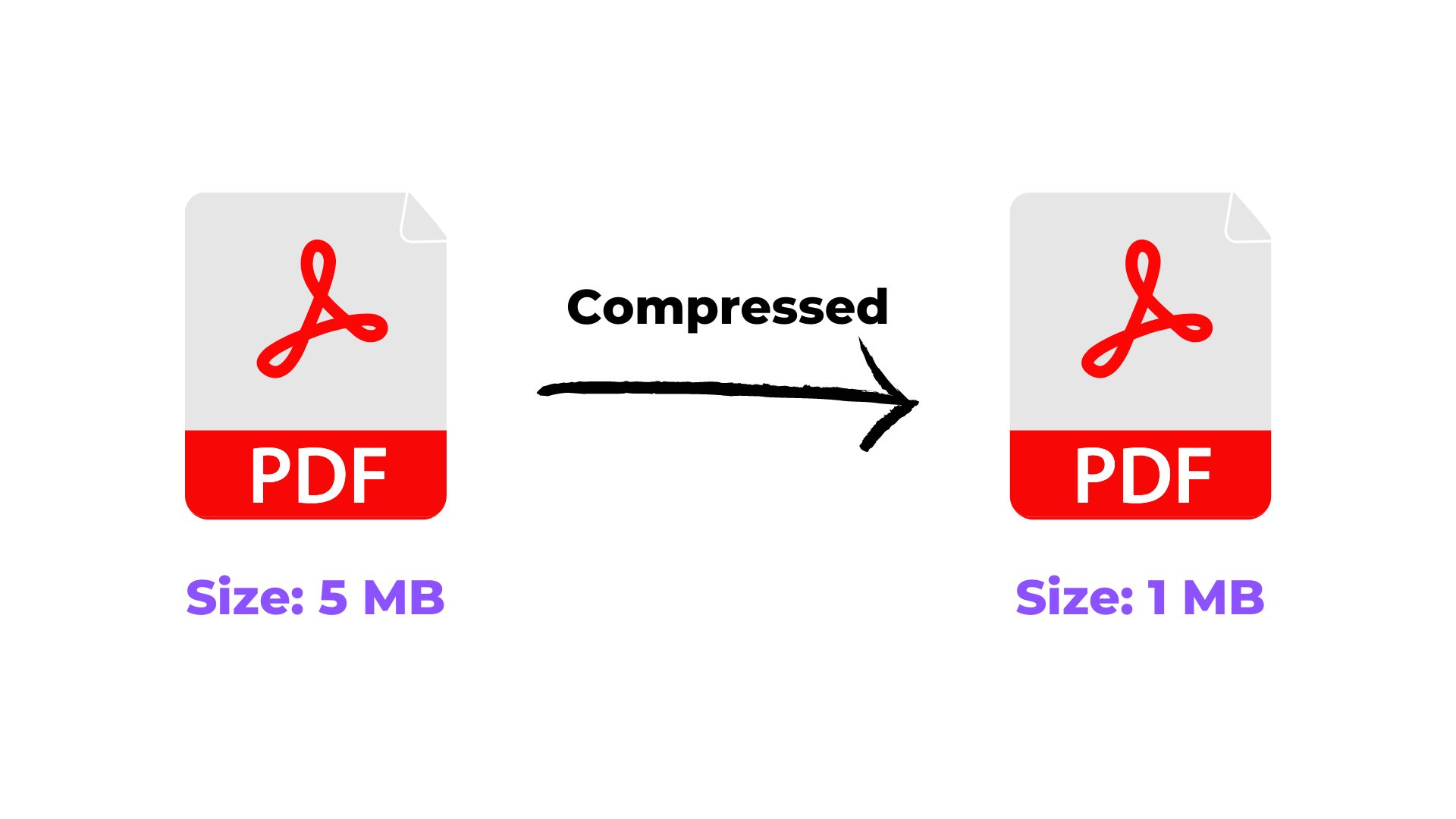
In this comprehensive guide, we examine how to compress pdf documents without compromising visual clarity reliably, highlighting best practices, format compatibility, and verification checks.
Optimization
7 min read
6 practical steps
Quick answer
Quick Summary: Open the Compress PDF tool workspace on FreeLovePDF. Then follow the remaining 5 practical steps below to complete the workflow and verify your file.
Why This Matters
Document portals, job application forms, and email servers enforce rigid file-size restrictions—frequently capping attachments between 500 KB and 5 MB. A bloated PDF caused by uncompressed high-resolution scans can trigger immediate rejection by automated applicant tracking systems (ATS) or email delivery daemon errors. Proper compression eliminates redundant metadata, downsizes oversized rasters, and preserves crisp vector typography.
Before you start
- Keep the file you want to work with ready on your device.
- Check the required output format or file-size limit before downloading.
- For important submissions, open the final file once and verify the result before uploading it elsewhere.
Step-by-Step Guide
- 1Open the Compress PDF tool workspace on FreeLovePDF.
- 2Upload the target PDF that exceeds your required size threshold.
- 3Select your intended compression profile: Recommended (balanced compression), High (maximum size reduction), or Low (maximum visual quality).
- 4Click the "Compress" button to initiate intelligent object optimization.
- 5Compare the original and final file sizes displayed upon completion.
- 6Download the compressed file and inspect critical diagrams and small print at 100% zoom.
The Mechanics of PDF Compression: Lossless vs. Lossy
PDF files are container structures housing multiple object types: vector paths, font definitions, metadata streams, and raster bitmap images. Text and vector linework are compressed using lossless algorithms such as Flate (ZIP) encoding, meaning character sharpness is never degraded regardless of compression level.
File size inflation is almost universally driven by embedded raster images (e.g., 600 DPI scanner images or raw camera photographs). Intelligent compression applies adaptive JPEG/DCT downsampling, resizing image resolutions to 150–200 DPI for standard web displays or 300 DPI for commercial print standards while stripping duplicate color profiles and thumbnail caches.
- Vector elements & fonts: Retain pristine mathematical curves and infinite scalability.
- Raster downsampling: High-resolution scans are calibrated to appropriate screen-readable dimensions.
- Metadata pruning: Redundant XML headers, edit histories, and unreferenced objects are scrubbed.
Target Size Guidelines for Government and Academic Portals
Different institutions enforce distinct thresholds. When applying for civil service examinations, university admissions, or enterprise tenders, submitting a file that falls slightly below the maximum ceiling ensures reliable ingestion.
Always verify whether the receiving platform specifies an absolute minimum size alongside its maximum. For instance, portals asking for a 100 KB–300 KB range will reject both undersized 50 KB files and oversized 350 KB uploads.
- Job Application Resumes: Optimal range is 200 KB to 1 MB for lightning-fast ATS scanning.
- Government Examination Portals (SSC, UPSC): Typical range is 50 KB to 300 KB per certificate.
- Corporate Legal Filings: Aim for under 10 MB to guarantee seamless delivery across corporate mail firewalls.
Ready when you are
Try it with your own file
Follow the guide above, then continue directly to the relevant tool.
Common mistakes to avoid
- Over-compressing documents containing complex technical blueprints or delicate signatures until text pixelates.
- Failing to verify that scanned stamps and seals remain legible to human evaluators.
- Compressing an already heavily compressed file repeatedly, introducing cumulative JPEG artifacting.
Conclusion
Effective PDF compression is about strategic optimization rather than blind downscaling. By selecting the appropriate compression tier for your specific use case, you can effortlessly satisfy upload thresholds while keeping every paragraph and graphic pin-sharp.
Related Tags
Frequently Asked Questions
Will compressing a PDF make the text blurry?+
No. Standard PDF text consists of vector fonts and glyphs rather than pixels. Compression algorithms target embedded photographs and bitmap scans; your text remains mathematically crisp.
Can I specify an exact target size like exactly 200 KB?+
Compression engines optimize files based on algorithmic mathematical thresholds. While you can target a specific range, the final byte count depends on the nature of your document contents.
Is it safe to compress confidential financial records?+
Yes. FreeLovePDF processes files securely and adheres to strict privacy guidelines with no permanent document retention. Review our Privacy Policy for full architectural details.