JPG to PDF Converter: Photos ko PDF me Badlein (Free)
Free Love PDF Team
Author
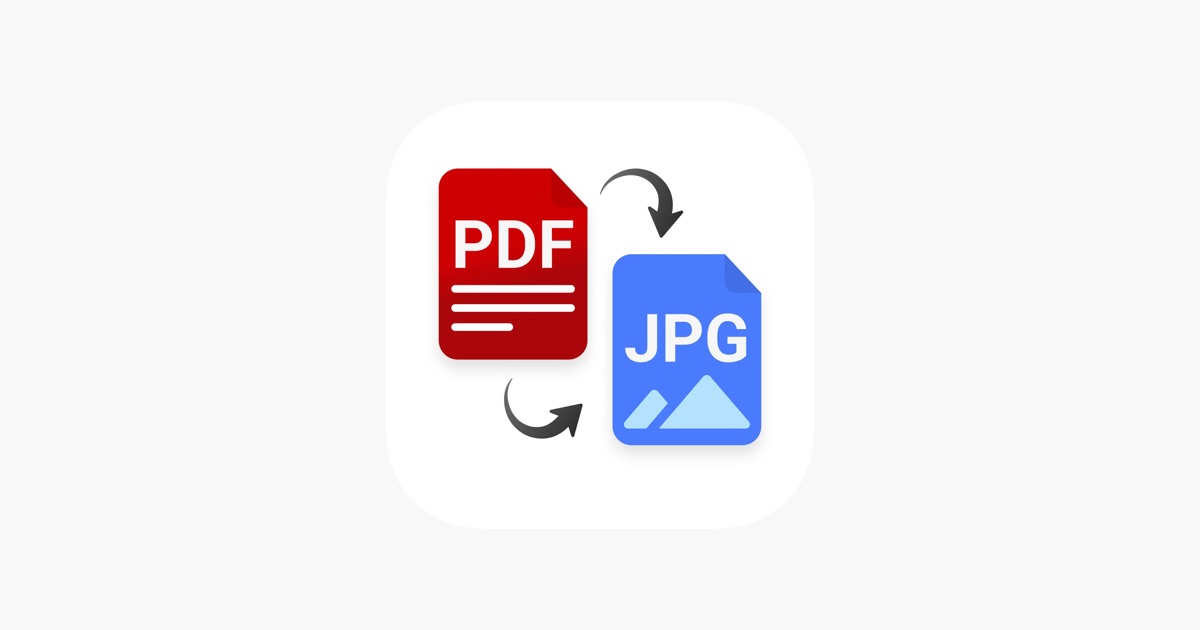
Is guide mein hum jpg to pdf converter: photos ko pdf me badlein (free) ko simple steps mein samjhenge, taaki aap bina confusion ke kaam complete kar saken.
Guide
5 min read
5 practical steps
Quick answer
Is article ka seedha jawab: JPG to PDF tool par sabse pehle apni photos select karein. Iske baad 4 aur simple steps follow karke kaam complete kar sakte hain.
Why This Matters
Photos alag alag bhejne par receiver ko download karne mein problem hoti hai. Ek PDF file mein sab photos convert karne se wo ek document ki tarah professional lagta hai. Admission forms aur office work ke liye ye standard requirement hai.
Before you start
- Keep the file you want to work with ready on your device.
- Check the required output format or file-size limit before downloading.
- For important submissions, open the final file once and verify the result before uploading it elsewhere.
Step-by-Step Guide
- 1JPG to PDF tool par sabse pehle apni photos select karein.
- 2Multiple photos select karne ka option bhi available hai.
- 3Photos ka order set karein drag karke.
- 4Page size (A4, Letter) aur orientation choose karein.
- 5Convert button dabayein aur PDF file download karein.
Ready when you are
Try it with your own file
Follow the guide above, then continue directly to the relevant tool.
Common mistakes to avoid
- Starting with a source file that is incomplete, incorrectly oriented, or already damaged.
- Ignoring the output layout or file-size requirement of the destination website.
- Not opening the converted file once to verify text, images, pages, and formatting.
Conclusion
Aapke photos ab ek safe PDF document mein convert ho gaye hain. Ise aap kisi ko bhi bhej sakte hain, koi compatibility issue nahi hoga. Humari tool mobile friendly hai, toh aap phone se hi kaam kar sakte hain.