Loading tool…

100% Private

All processing happens in your browser. Your files never leave your device.

Lightning Fast

No uploads, no waiting. Process your files instantly.

Completely Free

No registration, no limits, no hidden fees. Crafted with care.

FreeLovePDF Tool Guide

Protect PDF Online

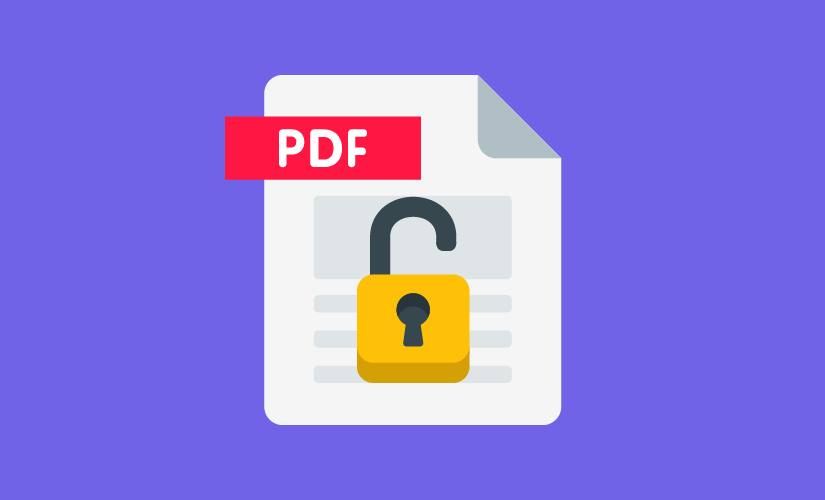
Protect PDF adds a password to a PDF file so it cannot be opened without it. This uses a third-party processing API to apply encryption. Choose a strong, unique password — we do not store your password.

When is Protect PDF useful?

Use it when you need to add password protection before sharing a PDF that contains information you want to restrict.

Supported files

Supported format: PDF.

The exact limits can depend on your browser, device, file size, and the processing service used by this tool.

How to use Protect PDF

  1. 01

    Choose your file

    Open the workspace above and select the supported file type.

  2. 02

    Set your options

    Use the controls provided by the tool and check the selected files before processing.

  3. 03

    Process and download

    Start the operation, wait for completion, then save the resulting file to your device.

File processing and privacy

This tool uses a third-party processing API for the operation. A selected file is transferred to that provider as part of the requested conversion or processing job. Review the Privacy Policy before using the service with sensitive documents.

Do not upload documents containing information you are not authorized to process. For details about third-party processing, analytics, cookies, and advertising, see our Privacy Policy and Cookie Policy.

Frequently asked questions

What happens if I forget the password?

We cannot recover a lost password. Keep it stored safely, as there is no way to bypass PDF encryption without it.

Latest Articles & Guides

Learn how to manage your documents efficiently with our expert tips and tutorials.