Loading tool…

100% Private

All processing happens in your browser. Your files never leave your device.

Lightning Fast

No uploads, no waiting. Process your files instantly.

Completely Free

No registration, no limits, no hidden fees. Crafted with care.

FreeLovePDF Tool Guide

Split PDF Online

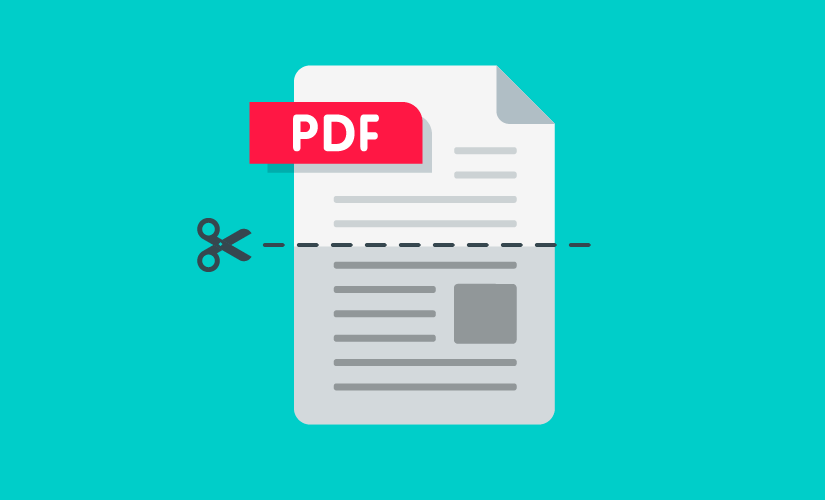
Split PDF lets you extract a page range or specific pages from a larger PDF into a new file. Processing happens locally in your browser.

When is Split PDF useful?

Use it when a large PDF contains only a few pages you need to submit, share, print, or archive separately.

Supported files

Supported format: PDF.

The exact limits can depend on your browser, device, file size, and the processing service used by this tool.

How to use Split PDF

  1. 01

    Choose your file

    Open the workspace above and select the supported file type.

  2. 02

    Set your options

    Use the controls provided by the tool and check the selected files before processing.

  3. 03

    Process and download

    Start the operation, wait for completion, then save the resulting file to your device.

File processing and privacy

This tool is designed to process the selected files in your browser. The browser performs the supported operation locally, so the normal workflow does not require sending the file to our own application server. If the workspace offers an optional cloud/API operation, that operation can send the relevant file to the stated provider.

Do not upload documents containing information you are not authorized to process. For details about third-party processing, analytics, cookies, and advertising, see our Privacy Policy and Cookie Policy.

Frequently asked questions

Does splitting reduce quality?

No. Splitting extracts existing pages without re-encoding their content.

Latest Articles & Guides

Learn how to manage your documents efficiently with our expert tips and tutorials.