PDF vs JPG: Scanned Documents Ke Liye Kaunsa Best Hai
F
Free Love PDF Team
Author
4 min read

Is guide mein hum pdf vs jpg: scanned documents ke liye kaunsa best hai ko simple steps mein samjhenge, taaki aap bina confusion ke kaam complete kar saken.
Best for
Comparison
Reading time
4 min read
What you get
3 practical steps
Quick answer
Is article ka seedha jawab: Multi-page scan ke liye PDF choose karein. Iske baad 2 aur simple steps follow karke kaam complete kar sakte hain.
Why This Matters
Scanning ka purpose decide karta hai ki kaunsa format better hai. Multi-page documents ke liye PDF best hai.
Before you start
- Keep the file you want to work with ready on your device.
- Check the required output format or file-size limit before downloading.
- For important submissions, open the final file once and verify the result before uploading it elsewhere.
Step-by-Step Guide
- 1Multi-page scan ke liye PDF choose karein.
- 2Single photo share ke liye JPG.
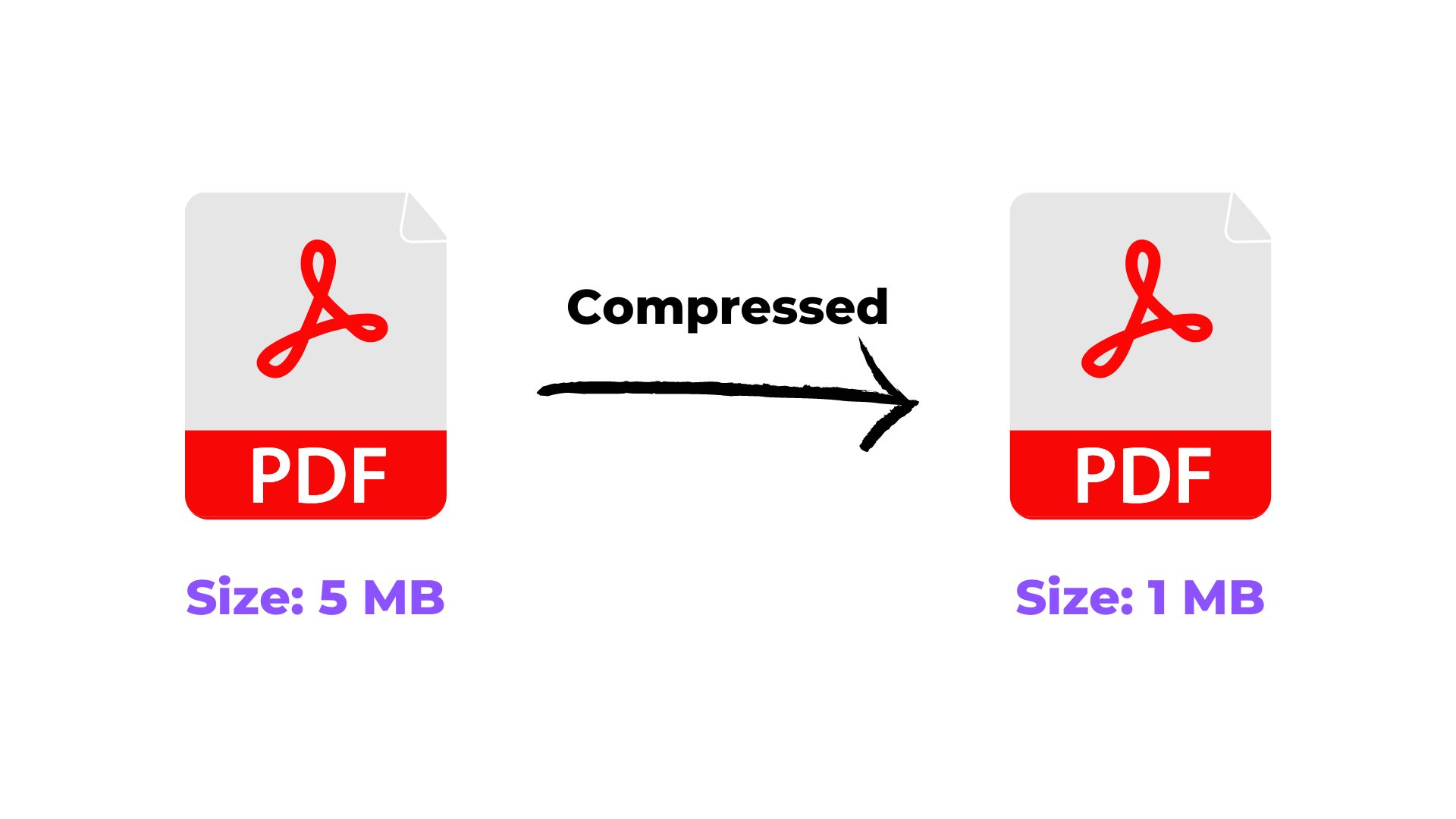
- 3Compression difference samjhein.
Ready when you are
Try it with your own file
Follow the guide above, then continue directly to the relevant tool.
Common mistakes to avoid
- Starting with a source file that is incomplete, incorrectly oriented, or already damaged.
- Ignoring the output layout or file-size requirement of the destination website.
- Not opening the converted file once to verify text, images, pages, and formatting.
Conclusion
Purpose ke hisaab format select karein. Dono ke apne benefits hain.
Related Tags
#PDF vs JPG#Image Format#Scan Guide