PDF Compress Kaise Karein — Android, iPhone, Windows, Mac, Sabhi Devices Par
Free Love PDF Team
Author
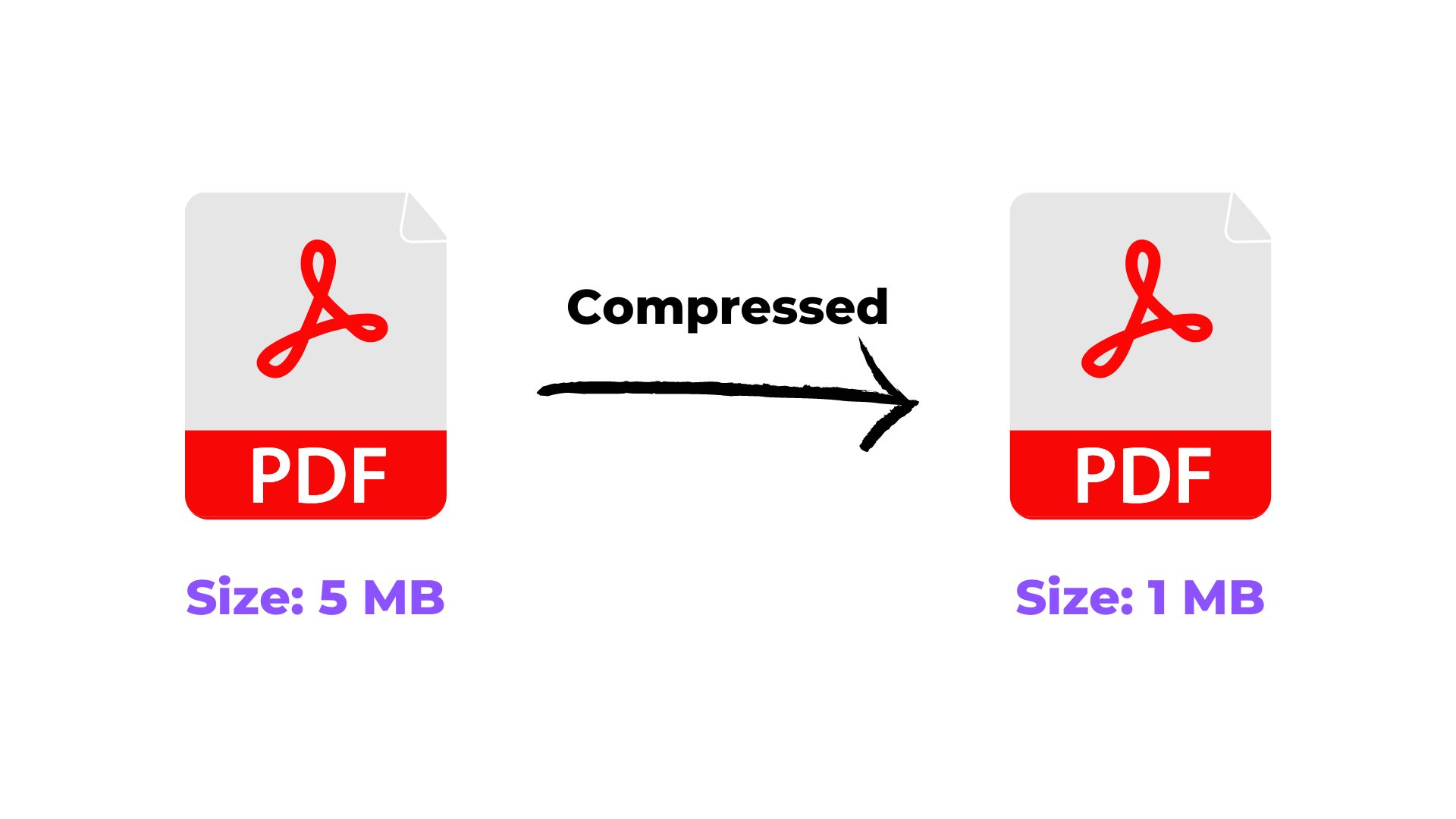
Is guide mein hum pdf compress kaise karein — android, iphone, windows, mac, sabhi devices par ko simple steps mein samjhenge, taaki aap bina confusion ke kaam complete kar saken.
Device Guide
4 min read
4 practical steps
Quick answer
Is article ka seedha jawab: Apne phone, tablet, ya computer ke browser (Chrome, Safari, Firefox, Edge) mein FreeLovePDF kholein. Iske baad 3 aur simple steps follow karke kaam complete kar sakte hain.
Why This Matters
Kyunki FreeLovePDF ek website hai (installed app nahi), ye kisi bhi device par same tarike se kaam karta hai — bas ek modern browser chahiye. Aapko Android, iPhone, Windows, Mac ya Linux ke liye alag app download karne ki zaroorat nahi hai.
Before you start
- Keep the file you want to work with ready on your device.
- Check the required output format or file-size limit before downloading.
- For important submissions, open the final file once and verify the result before uploading it elsewhere.
Step-by-Step Guide
- 1Apne phone, tablet, ya computer ke browser (Chrome, Safari, Firefox, Edge) mein FreeLovePDF kholein.
- 2Compress PDF tool par jayein.
- 3File upload karein — mobile par ye Files app ya Photos se, computer par File Explorer/Finder se hoga.
- 4Compress karke result download karein — ye aapke device ke default Downloads folder mein save hoga.
Ready when you are
Try it with your own file
Follow the guide above, then continue directly to the relevant tool.
Common mistakes to avoid
- Compressing more than necessary and making important text or images hard to read.
- Not checking the final file size against the website, email, or application limit.
- Uploading the compressed file without opening it once to verify readability and pages.
Conclusion
Ek hi tool, sabhi devices par kaam karta hai. Koi separate Android app ya iPhone app install karne ki zaroorat nahi — bas browser kholiye aur use kariye.
Related Tags
Frequently Asked Questions
Kya iPhone par ye WhatsApp jaisa app hai?+
Nahi, FreeLovePDF ek website hai jo Safari ya kisi bhi browser mein khulti hai — koi App Store download zaroori nahi.
Kya offline bhi kaam karta hai?+
Nahi, internet connection chahiye hota hai kyunki ye ek web-based tool hai.