PDF Ko Specific Size Me Compress Kaise Karein (10KB se 5MB tak)
Free Love PDF Team
Author
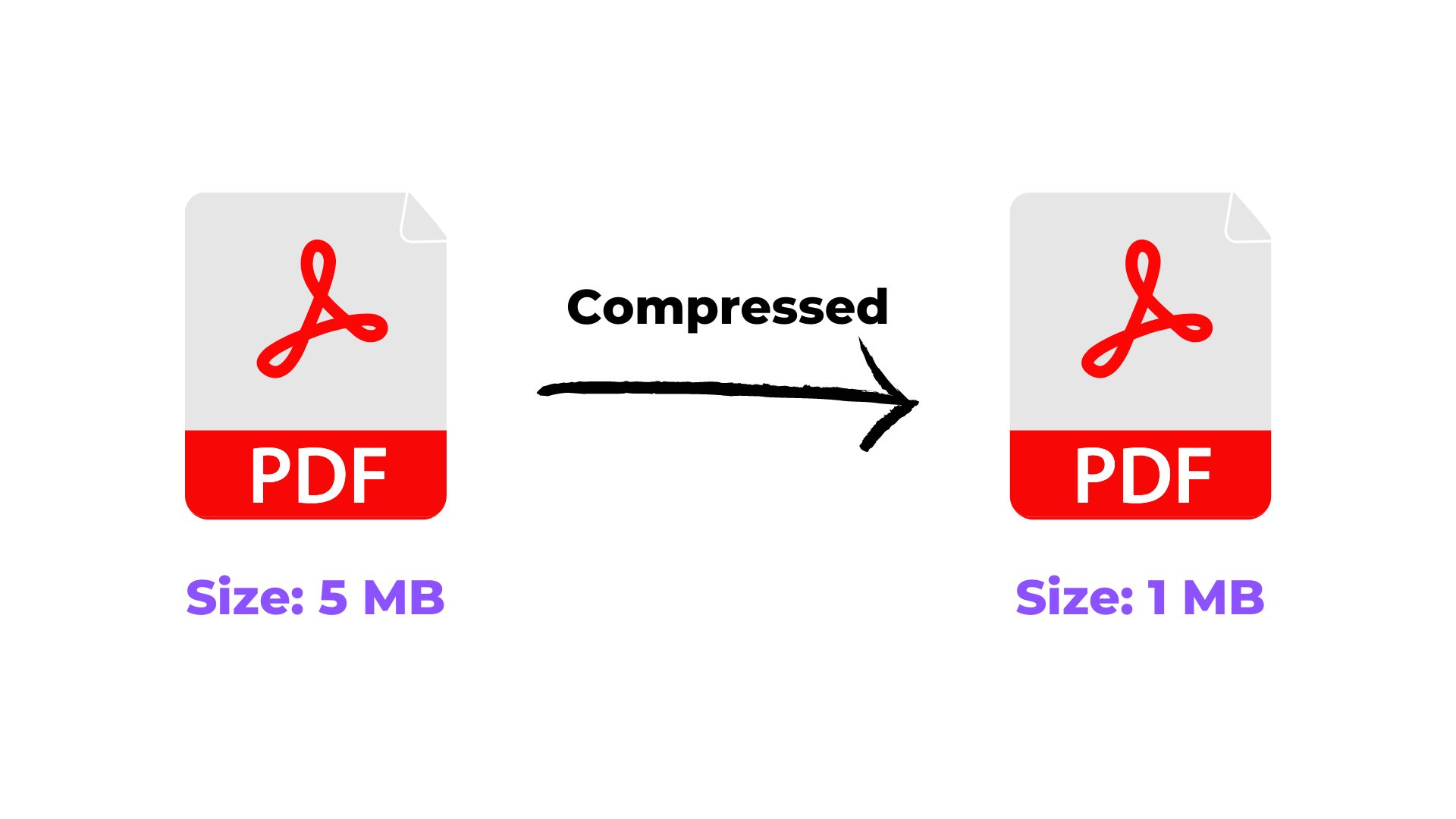
Is guide mein hum pdf ko specific size me compress kaise karein (10kb se 5mb tak) ko simple steps mein samjhenge, taaki aap bina confusion ke kaam complete kar saken.
Tips & Tricks
6 min read
5 practical steps
Quick answer
Is article ka seedha jawab: Compress PDF tool par apni file upload karein. Iske baad 4 aur simple steps follow karke kaam complete kar sakte hain.
Why This Matters
Alag-alag portals aur forms ki alag size requirements hoti hain — government exam forms me aksar 10KB-100KB ka limit hota hai, jabki email attachments 5MB tak allow karte hain. Ek hi tool se aap apni file ko koi bhi target size par le ja sakte hain, bas compression level adjust karna hota hai.
Before you start
- Keep the file you want to work with ready on your device.
- Check the required output format or file-size limit before downloading.
- For important submissions, open the final file once and verify the result before uploading it elsewhere.
Step-by-Step Guide
- 1Compress PDF tool par apni file upload karein.
- 2Compression level select karein (High compression chhote target size ke liye, Medium ya Low bade size ke liye behtar hai).
- 3Compress button dabayein aur result check karein.
- 4Agar target size se bada hai, toh higher compression level try karein aur dobara process karein.
- 5Final file download karke uska size verify kar lein.
Ready when you are
Try it with your own file
Follow the guide above, then continue directly to the relevant tool.
Common mistakes to avoid
- Compressing more than necessary and making important text or images hard to read.
- Not checking the final file size against the website, email, or application limit.
- Uploading the compressed file without opening it once to verify readability and pages.
Conclusion
Chahe aapko 10KB chahiye ho ya 5MB, target size ke hisaab se compression level adjust karke aap kisi bhi limit ko match kar sakte hain. Government forms ke liye hamesha final upload se pehle exact size check kar lein.
Related Tags
Frequently Asked Questions
50KB ya 100KB jaise chhote target ke liye kya karna chahiye?+
High compression level use karein. Bahut chhote targets (10-50KB) ke liye image quality thodi kam ho sakti hai — ye normal hai.
Compression se text bhi kharab hota hai?+
Nahi, text hamesha sharp rehta hai. Compression mainly embedded images ko affect karta hai.